

[Research Showcase] 3D Modelling with Photogrammetry
- Dec 4, 2021
- 2 min read
Introduction
Photogrammetry is the art and science of extracting 3D information from photographs, and involves taking overlapping photographs of an object, structure, or space, which is then converted into models.
Photogrammetry / 3D scanning is extremely useful; it reduces the time required to obtain a model of human likeness and can be used in films, previz, animation, video, and game.
Research Timeline
Week 1-2: Human Photogrammetry
To better understand the photogrammetry process and actual viability in the digital world, we aimed to create a 3d human model and did many quick iterations using different software like RealityCapture and Meshroom.
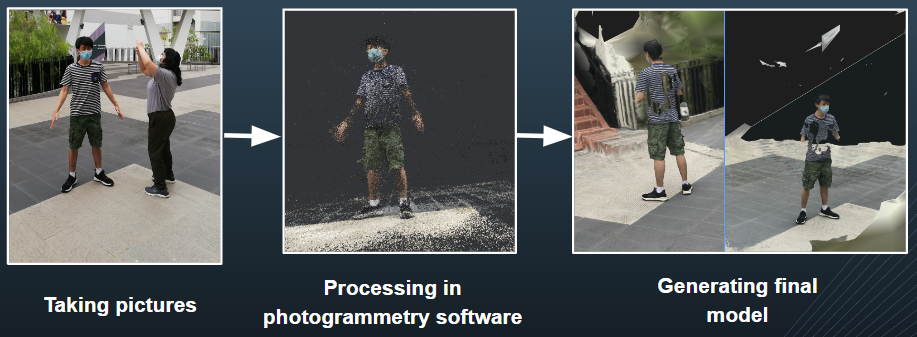
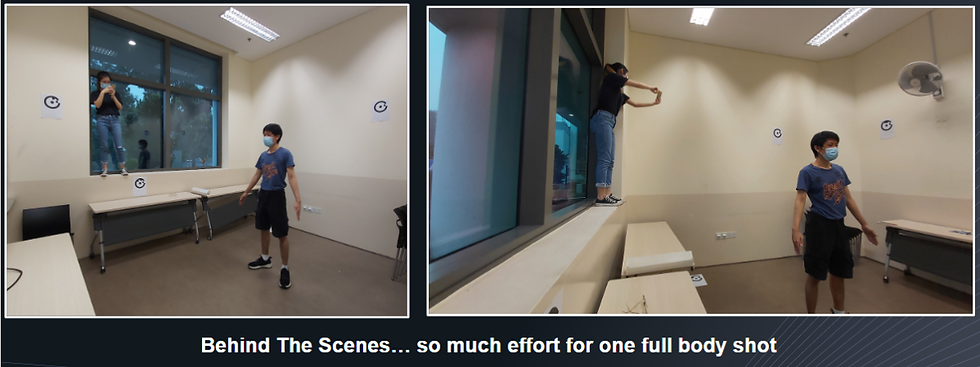
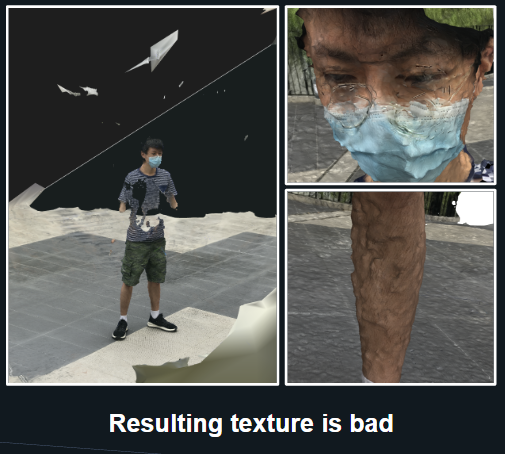
In our research online, we learnt that photogrammetry had less accuracy compared to 3D scanning and this is indeed true. Even after using various methods such as increasing the amount of photographs, controlling exposure, and using a controlled setting, the quality of the models (especially close-up) remained unusable. Thus, we decided to narrow our goal and aim for a face model instead.
Week 3: Face Scanning & Cleanup
As all photos must contain the entirety of the subject, photogrammetry on the face is a lot more manageable since shots can be closer to the face, resulting in better mesh and texture quality as well.
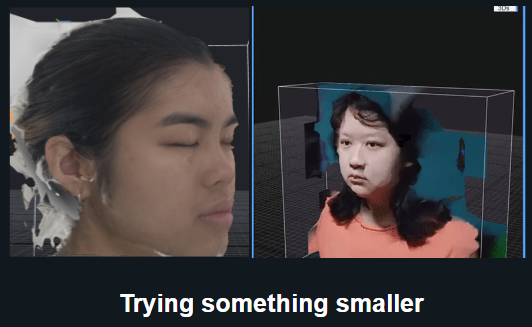
However, we wanted to know if the results can be better, so we looked into other software and found a face scanning app called Bellus3D. To our surprise, the created models had amazing likeness and quality, and took less than 30 seconds to generate.
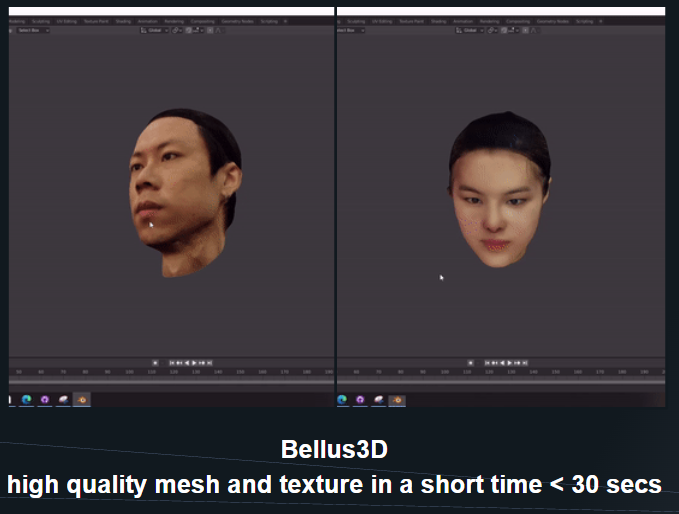
Week 4-5: Testing Models
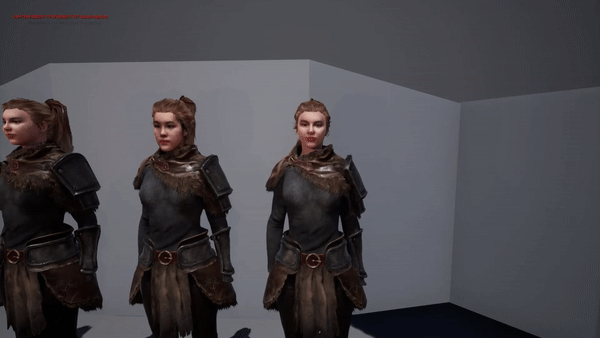
We cleaned up and merged the exported face models with Character Creator body models in Blender.
Now I was curious on how our final results would compare to iClone’s Headshot – an AI Based 3D head generator. I found that creating a model using iClone’s headshot is slightly faster as no merging of models is required, but I also noticed that the likeness of the headshot model is significantly lower. However, it is also important to note that using iClone’s face model allows you to easily animate facial expressions in iClone unlike with the external face model.
| Ready in Hours | Likeness | Facial Animation |
Bellus3D | ✓ | ✓ | ✗ |
iClone Headshot | ✓ | ✗ | ✓ |
Final Thoughts
While we set out to find out more about photogrammetry, we found and used a lot of other software in the process and experienced first-hand the huge potential of these software when used together.

